Start server
Run npx open-uitester-server. The CLI starts HTTP and WebSocket handling on port 13000 by default.
npm · open-uitester-server
WebSocket relay compatible with the AltTester® SDK (Unity and Unreal)
Package: open-uitester-server on npm
Run a local relay between instrumented app builds and your test drivers, with a live browser dashboard to inspect connections, routes, and scenes.
Disclaimer: This is an independent, open-source project and is not affiliated, associated, authorized, endorsed by, or in any way officially connected with Altom Consulting, AltTester®, or any of its subsidiaries. All product and company names are trademarks™ or registered® trademarks of their respective holders. Use of them does not imply any affiliation with or endorsement by them.
Overview
The AltTester® SDK supports Unity and Unreal applications. Open UITester Server is an independent, open-source WebSocket server, CLI, and dashboard for local SDK-based automation workflows.
| Feature | Supported | Details |
|---|---|---|
| SDK-compatible WebSocket relay | ✓ | Implements the protocol used by AltTester® SDK clients. Instrumented apps connect through /altws/app; test drivers connect through /altws. Messages are routed by app name and driver pairing. |
| Node.js and Bun support | ✓ | Use the same package from npm, whether your automation machines standardize on Node.js or Bun. |
| Live dashboard | ✓ | Inspect connected instrumented apps, drivers, pairings, live events, and scene hierarchy from the browser. |
| No built-in connection limit | ✓ | Connect as many instrumented apps as your host machine can support. Capacity depends on CPU, memory, and network resources — not a server-side cap. |
| No install required | ✓ | Run directly with npx open-uitester-server or bunx open-uitester-server, then point the SDK at port 13000. |
| Embedded MCP server | ✓ | Expose a local MCP endpoint for Codex, Claude, Gemini, Cursor, OpenCode, Pi, and other MCP-capable agents. Enable per app from the CLI or dashboard. |
| GitHub skill bundle | ✓ | Use skill/open-uitester-tools/ for the same operations without MCP configuration. Install as a Codex skill, or clone and run scripts/uitester_tools.mjs from any agent workflow. |
| Open source | ✓ | GPL-3.0-only licensed. Run from npm with Node.js or Bun, inspect the code on GitHub, and adapt it to your automation setup. |
Dashboard preview
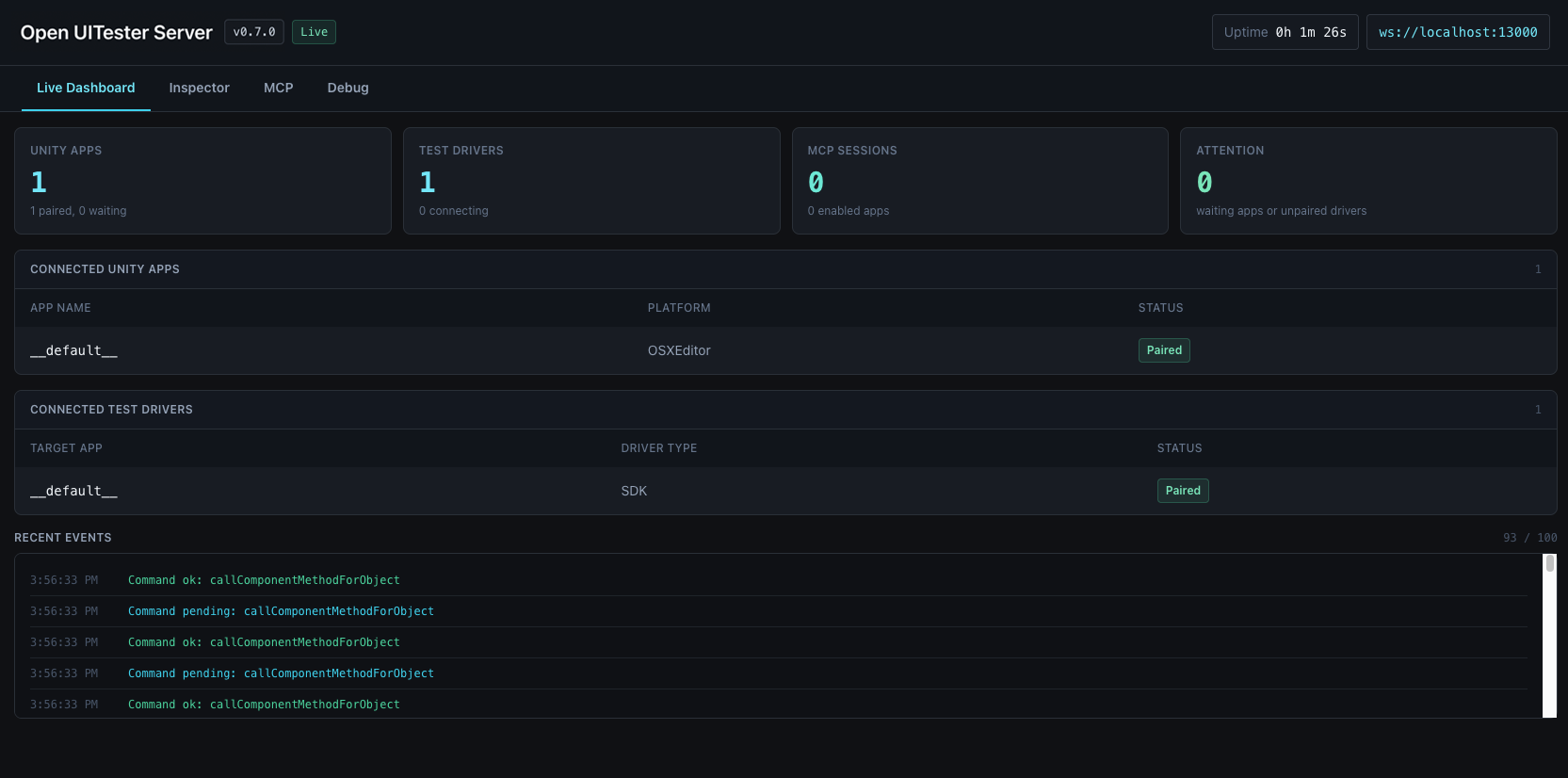
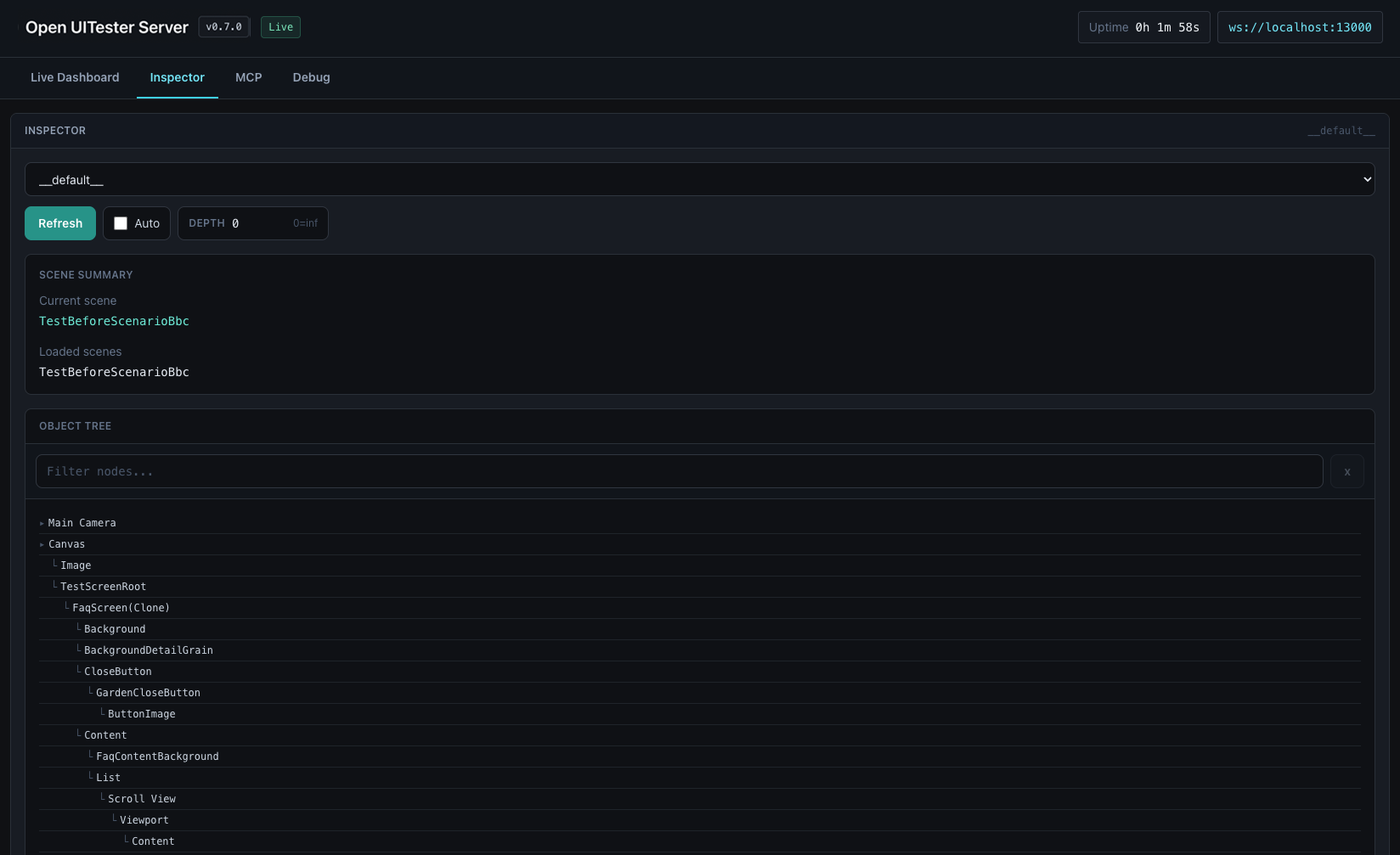
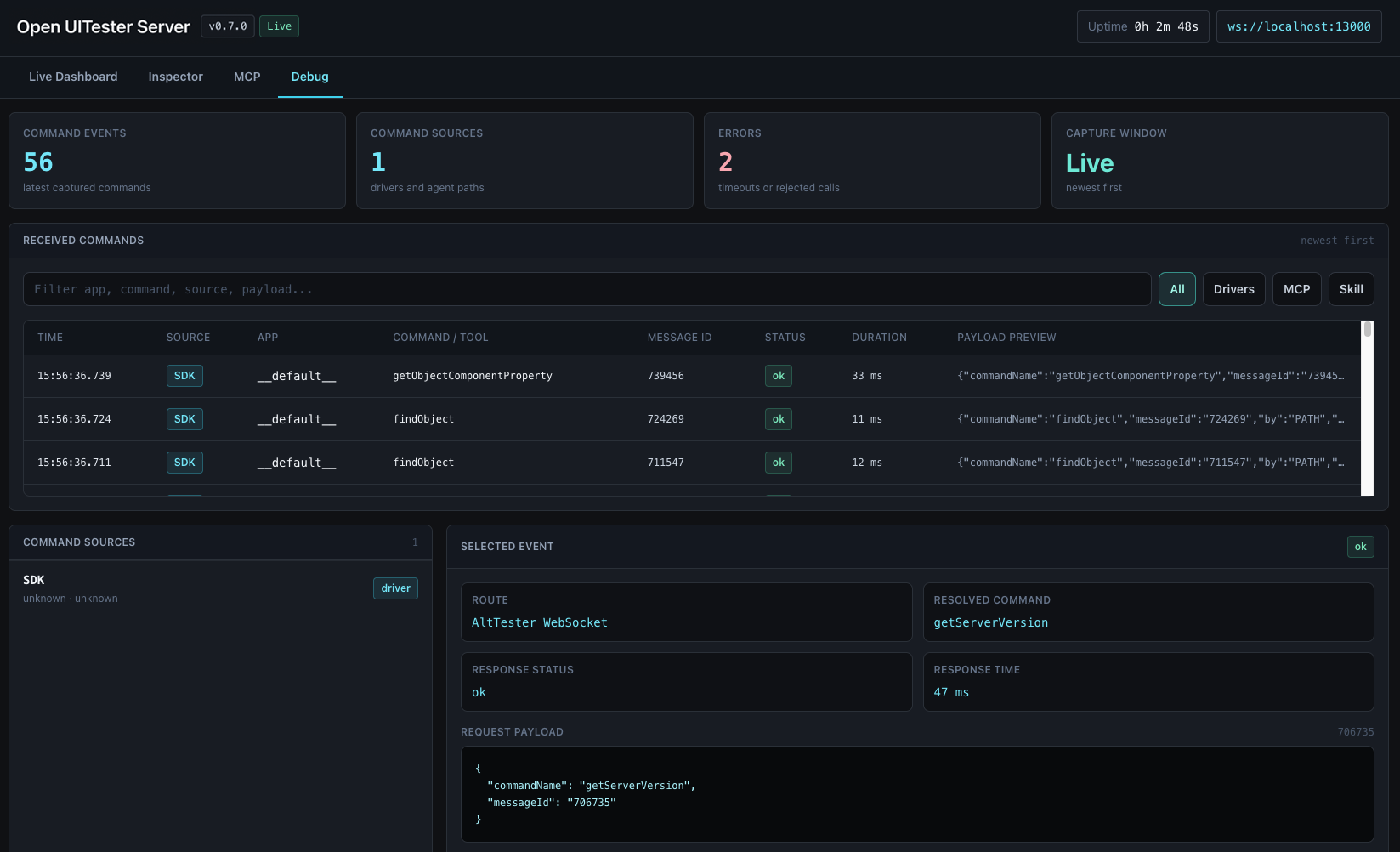
The browser dashboard gives local automation runs a live control surface: apps, drivers, routes, events, current scene, loaded scenes, and object tree inspection.
Agent integrations
The server exposes a local MCP endpoint for agents that support MCP clients. The GitHub skill bundle is available for agents that prefer local instructions and helper scripts, while MCP remains the shared path for Codex, Claude, Gemini, Cursor, OpenCode, Pi, and other MCP-capable tools.
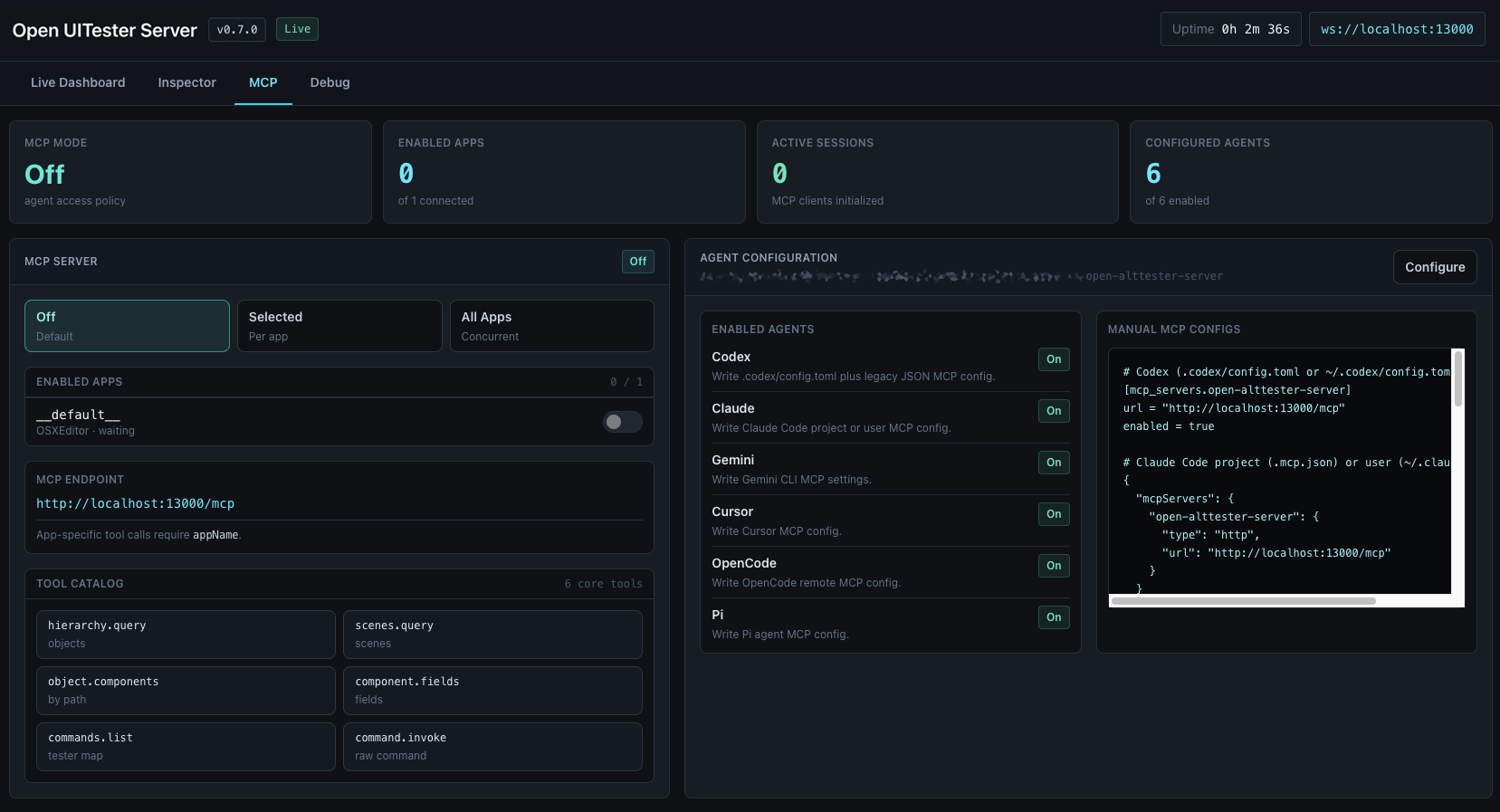
Start the server and connect any MCP-capable client to the local streamable HTTP endpoint.
npx open-uitester-server

http://127.0.0.1:13000/mcp
Generate project or global MCP config for Codex, Claude, Gemini, Cursor, OpenCode, and Pi from the dashboard.
Codex can install skill/open-uitester-tools/ as a skill. Other agents can clone or vendor that folder, read SKILL.md, and call scripts/uitester_tools.mjs directly.
Working model
The server is intentionally narrow: it does the WebSocket relay job, exposes enough dashboard visibility to debug runs, and keeps existing driver code intact.
Run npx open-uitester-server. The CLI starts HTTP and WebSocket handling on port 13000 by default.
Configure the AltTester® SDK in your Unity or Unreal build to use 127.0.0.1 and the chosen port. Device tests can use the host machine IP.
Keep existing Python, C#, Java, or Robot tests. Drivers connect to the server and route commands to the target app.
# install-free startup
npx open-uitester-server

UiTester Server running on port 13000
Dashboard: http://127.0.0.1:13000/
Apps connect to:  ws://127.0.0.1:13000/altws/app
Test drivers connect to: ws://127.0.0.1:13000/altws
Common questions
Open UITester Server is an independent, open-source WebSocket relay with a real-time web dashboard for Node.js and Bun. It implements the protocol used by AltTester® SDK clients to connect instrumented app builds and test drivers.
Open UITester Server does not impose a built-in limit on simultaneous connected apps. Practical limits depend on your machine's CPU, memory, and network resources.
Run npx open-uitester-server, then point the AltTester® SDK at 127.0.0.1 and port 13000 (by default). Instrumented apps use /altws/app; drivers use /altws.
Yes. Keep your existing driver tests; they connect to the server using the SDK's standard WebSocket endpoints and route commands to the target app by name.
Ready for npm
Open a terminal, start the server, then point your AltTester® SDK instrumented build and driver tests at the same host and port.